 Claude Usage
macOS 14+ · menu bar & widget
Your Claude usage.
In the menu bar.
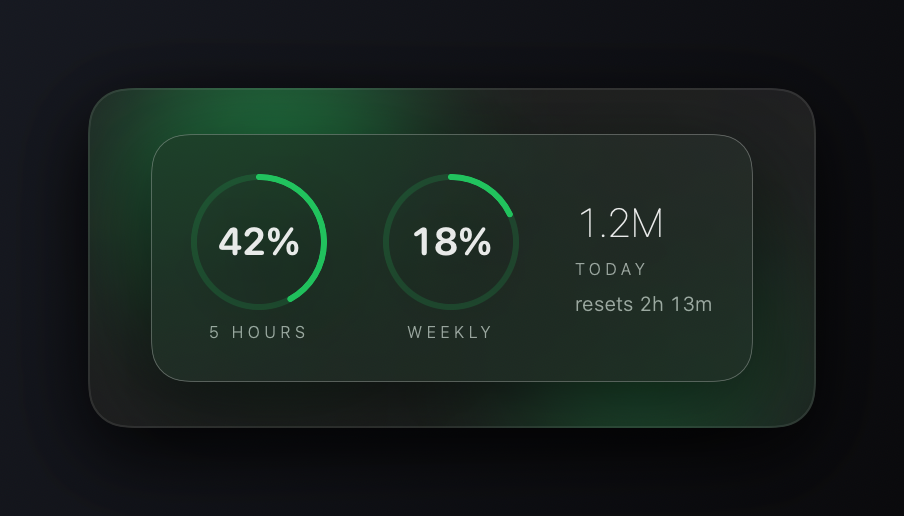
Session and weekly limits, token counts, and estimated cost — always visible, and on your desktop as a widget. Reads only what Claude Code already stores on your Mac.
Free and open source. No account, no telemetry, nothing to sign up for.
What it shows
Two numbers that actually matter
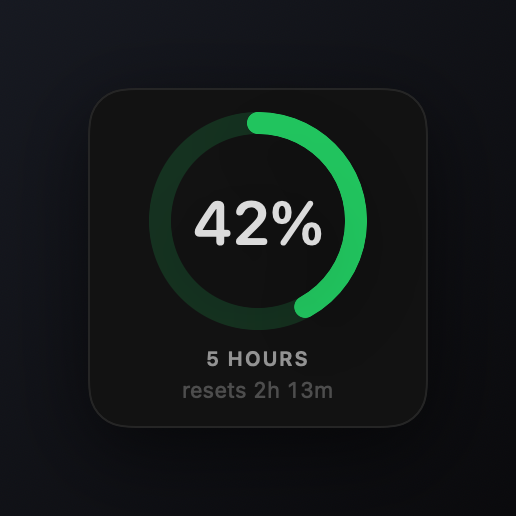
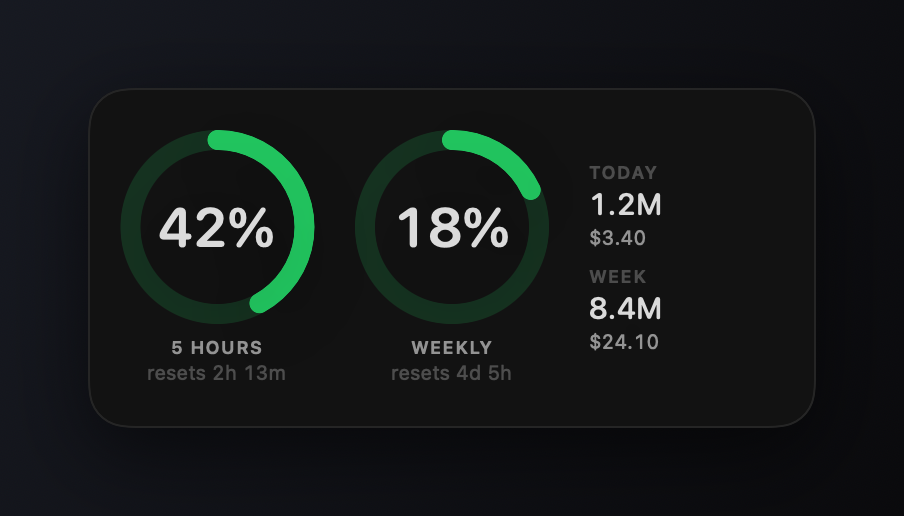
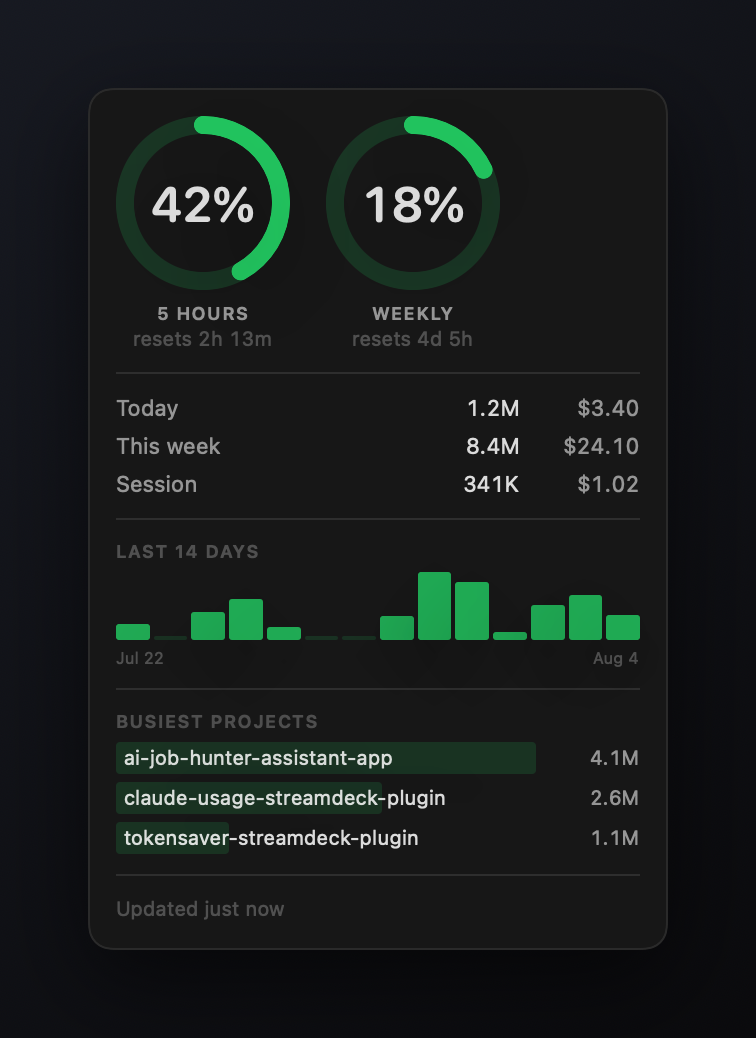
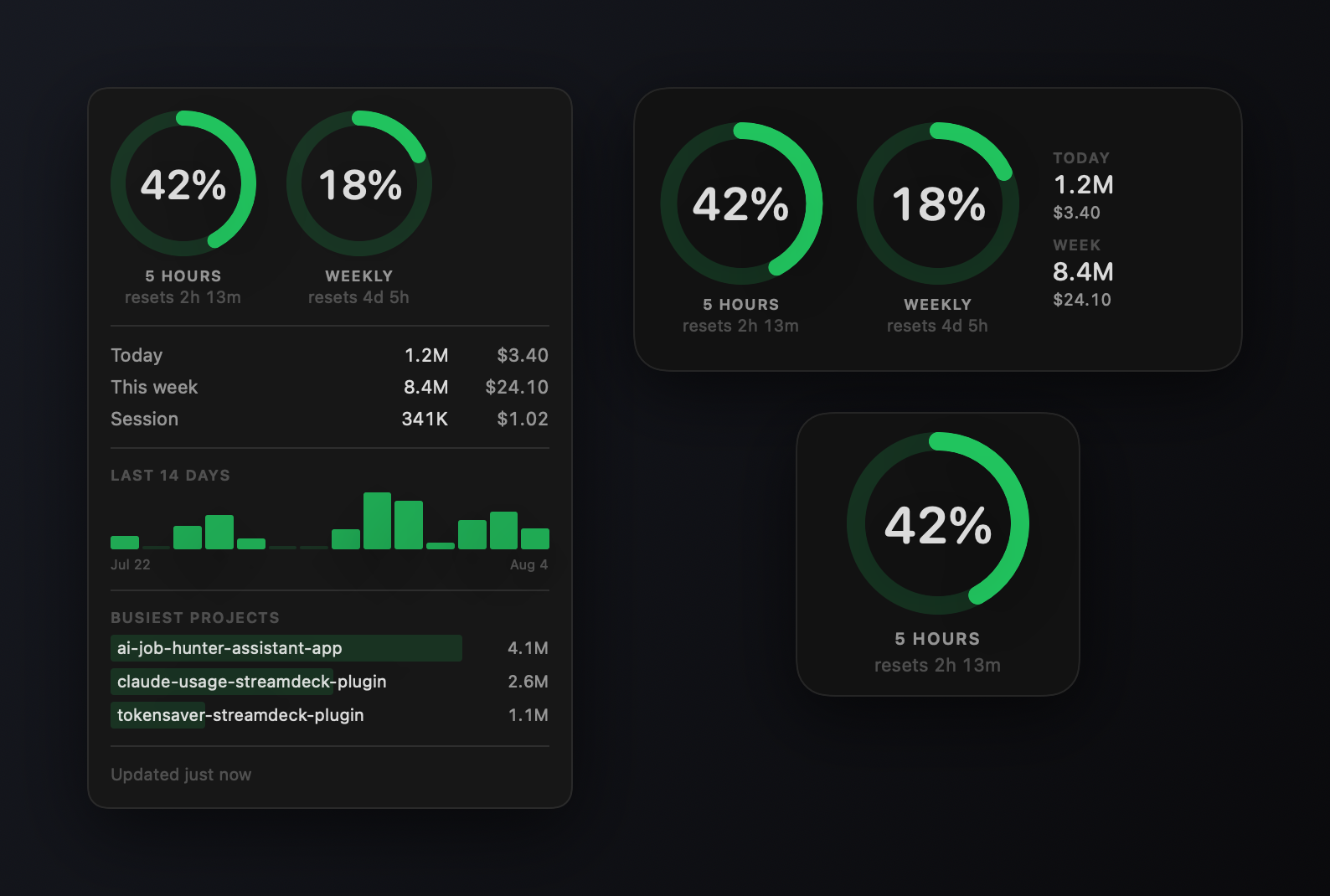
How much of your 5-hour window is gone, and how much of the week. Plus what you have spent, from Claude Code's own logs.
Session & weekly limits
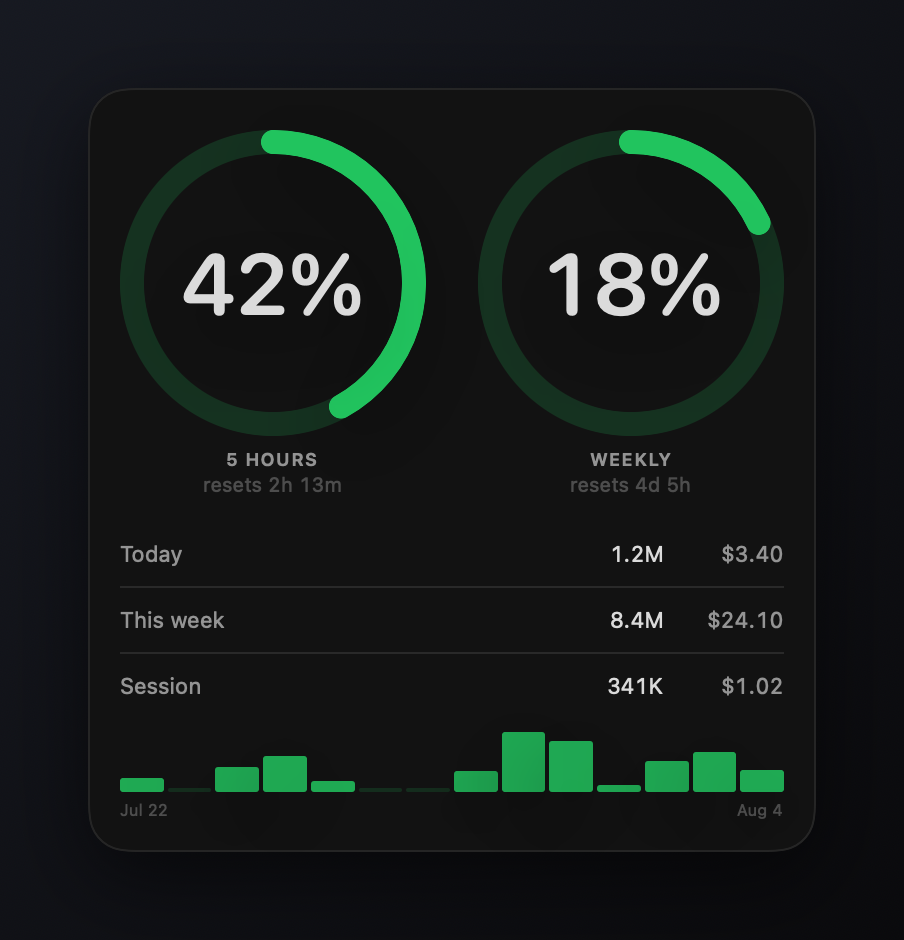
Live utilisation and the time until each resets, straight from Anthropic's usage endpoint using the token Claude Code already stored. Colour shifts to amber then red as you approach the cap.
Tokens & cost
Today, this week, and the current session, totalled from your local transcripts. Cost is a best-effort estimate — notional equivalent API spend on Pro and Max plans.
History
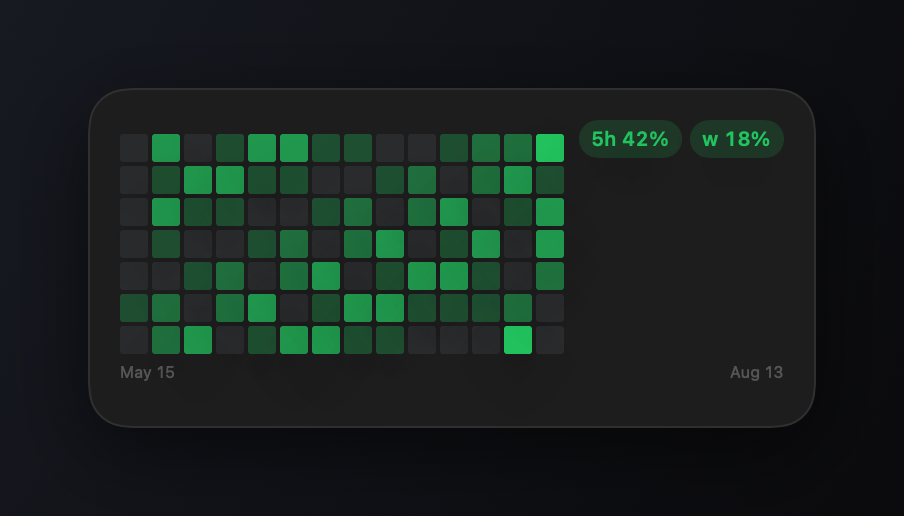
A 14-day chart, kept locally so it outlives the transcripts themselves — Claude Code prunes those after about a month.
Busiest projects
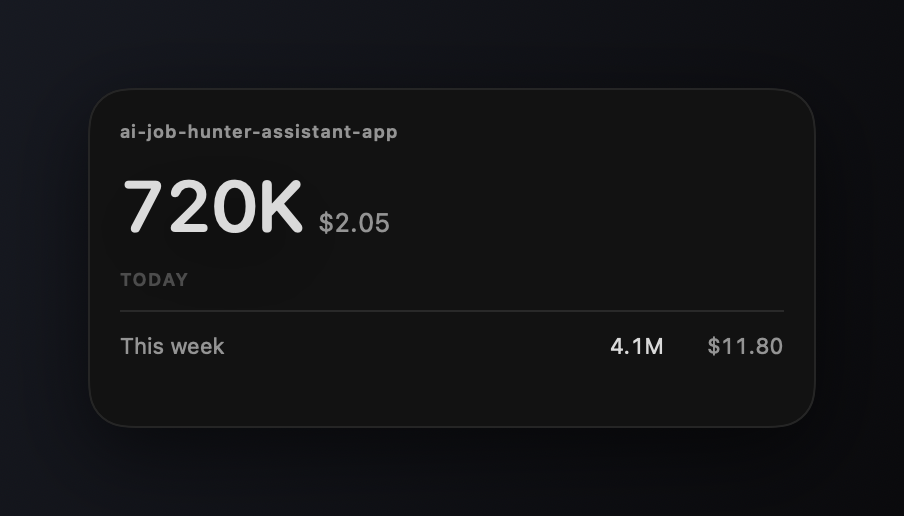
Which working directories your week actually went to, ranked by tokens.
Widgets
One per thing you care about.
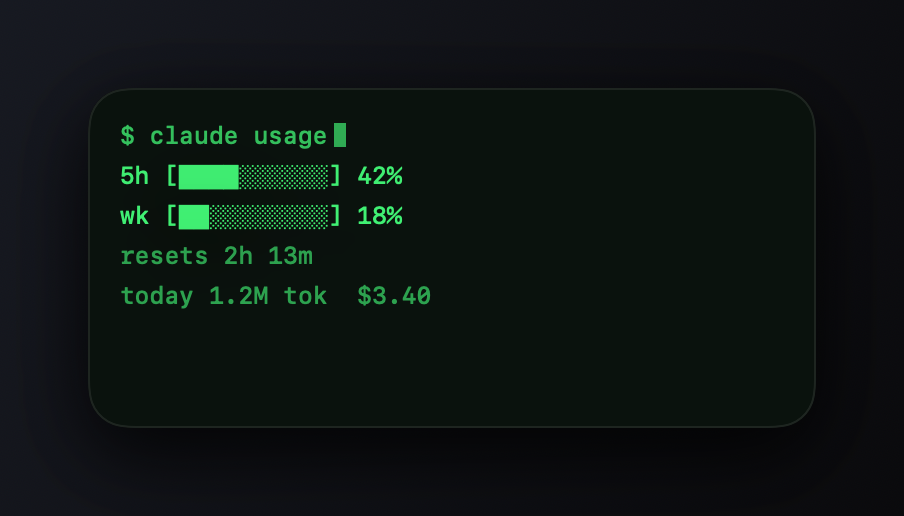
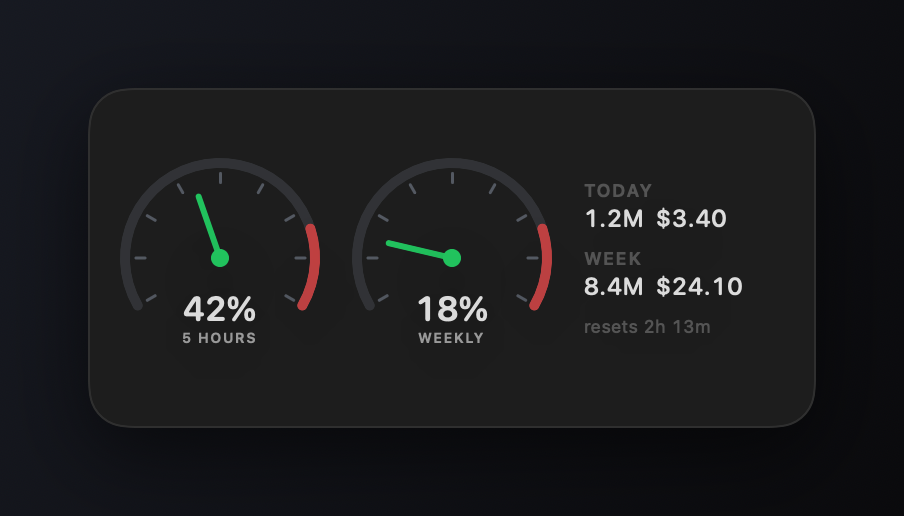
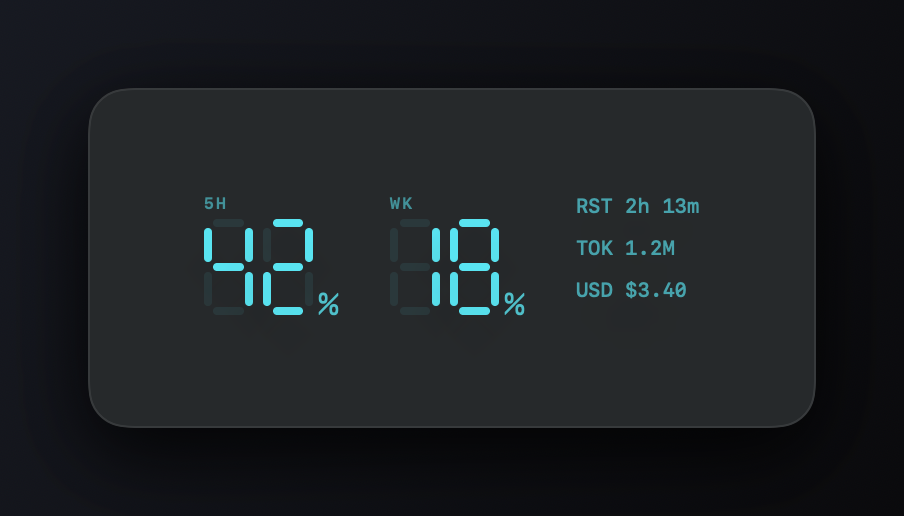
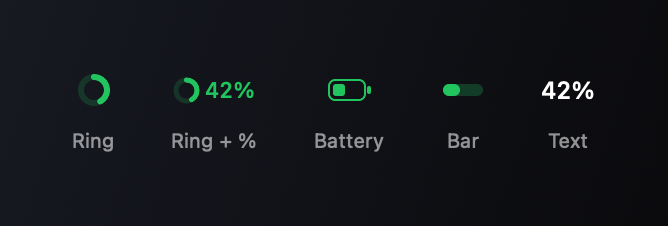
Every widget carries its own configuration. Place one per account, or one per project, side by side on the desktop — each in one of six looks.